Customer Portal
Sign-In:
To sighn in to Veriscapes customer portal please visit the: support.veriscape.com Page. This will then redirect you to a sign in page as shown below.
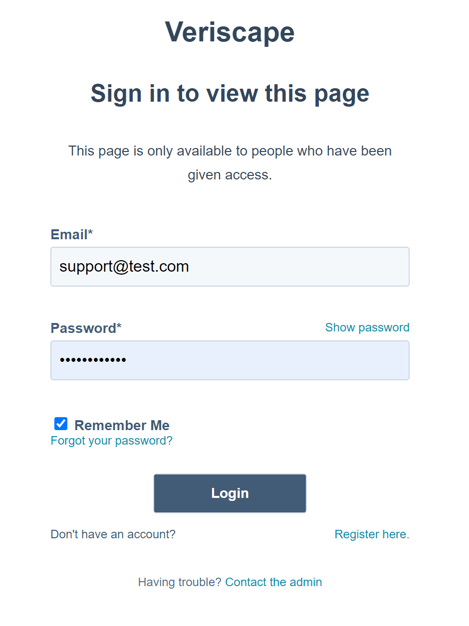
If you do not have an account, please press the Register Here button on the bottom of the page and then Register with your company email address.
Once that is done a verification email will be sent to the email address you signed up with.
You should now be logged in and see the below page:
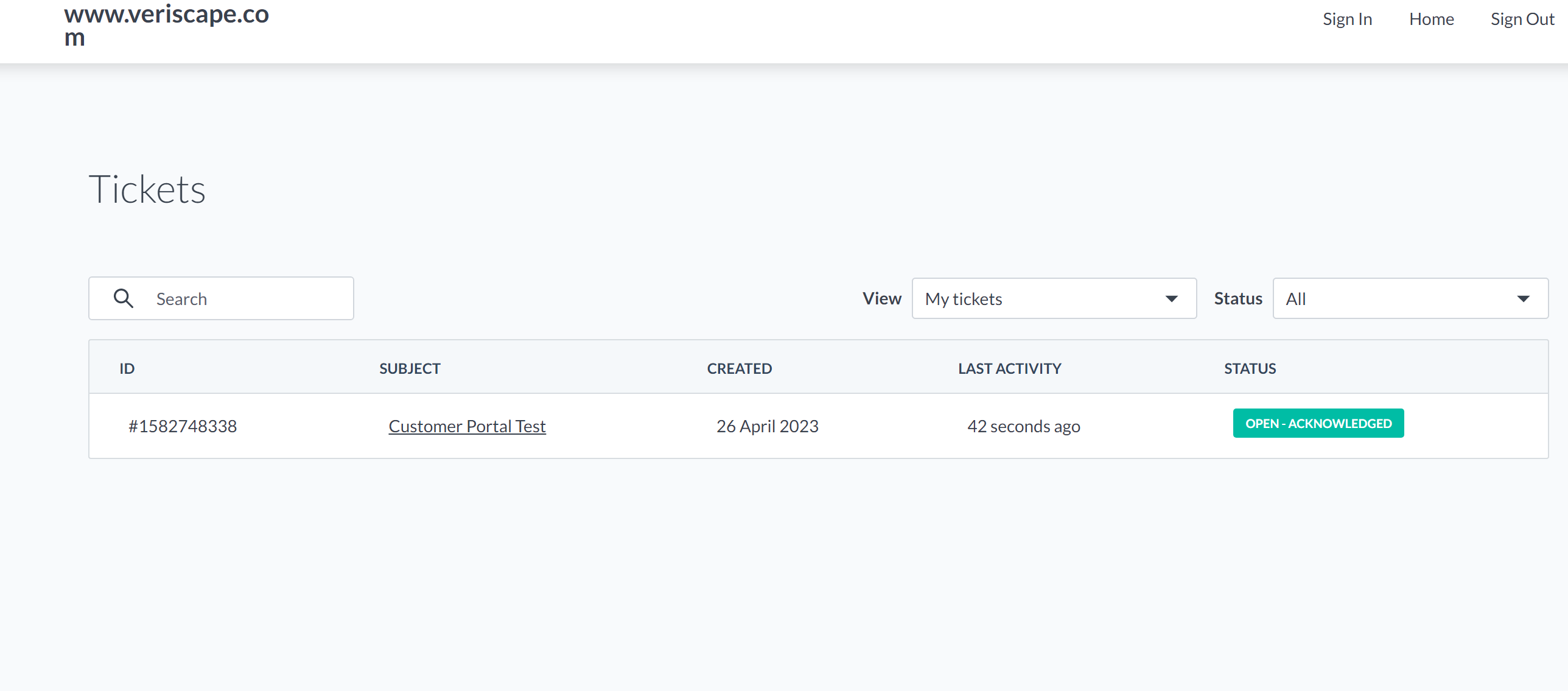
The first page you'll see will contain all the tickets that are associated to your account (your email address). You can change this to show all tickets associated with your company, or filter by current status.
As you can see under status it says Open - ACKNOWLEGED.
This means the current status of the ticket has been received but hasn't been seen by a Support engineer yet, Other statuses that may show are as follow:
OPEN - ACKNOWLEGED (received but hasn't been seen by a Support engineer)
OPEN - WITH US (Has been assigned a Support engineer owner and is being looked at)
OPEN - WITH CUSTOMER (Response has been sent by Support Engineer and is awaiting response from customer)
OPEN - RESOLVED (Issue is resolved, outcome reason provided, will move to closed after no action in 24hrs)
CLOSED - CLOSED (issue is closed, no more action is needed)
Any comment on a ticket in any of these statuses will automatically move the ticket to OPEN - WITH US.
If you click on the ticket:
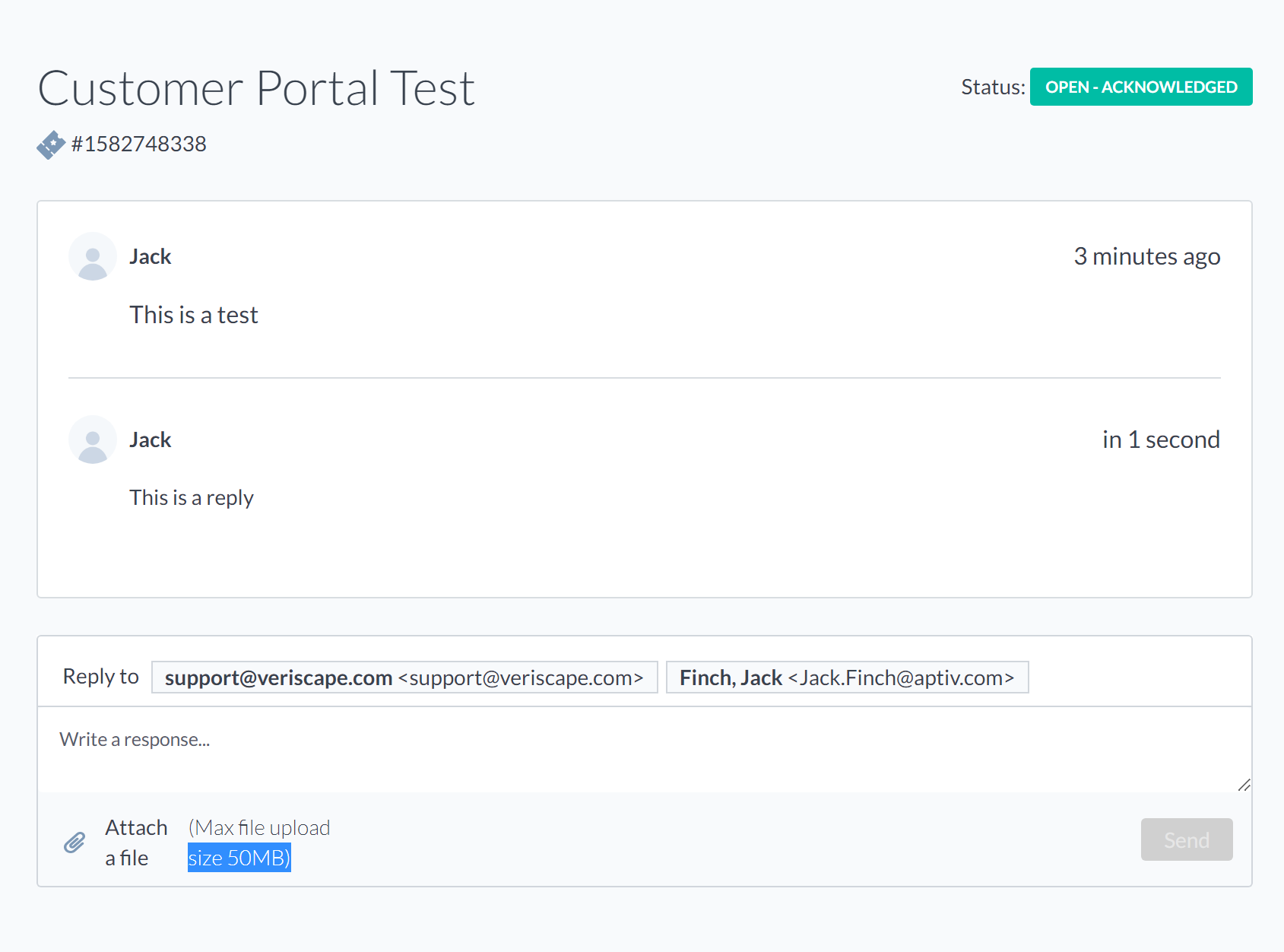
You can then add a reply and add attachments if you like.